

Make your money last until payday.
Your bank balance doesn’t tell the whole story. Zalt shows what’s left for everyday spending after upcoming bills and money you want to keep aside.
See how Zalt works Coming soon
 Coming soon
No bank connection. No loan offers. Works offline.
A clearer picture in three steps.
Start with your current balance and next payday. Use the money you have today; expected pay stays separate until it arrives.
Based on the balance and commitments you enter. Zalt helps you plan; it doesn’t move your money.
See where your spending goes
Follow recorded spending with colourful category charts. Regional suggestions help fill in a category, and you can change it before saving. Review this pay cycle, the previous one or all time.

Give everyday spending a place
Create optional category envelopes from the money you have left. Move allocations between them, see what remains and carry unused money forward. Bills and protected savings stay separate.

Make room for what matters
Set a savings target and an optional date. See a suggested contribution for each payday and preview its effect before saving. You choose when to add money.

Real app screens with fictional example plans. Amounts and dates are illustrations.
Give today’s spending a little direction.
Groceries, a coffee, the trip home. A daily guide gives you a reference for the everyday decisions between paydays. Check your plan as your balance or bills change.
Missed a few days? Carry on.
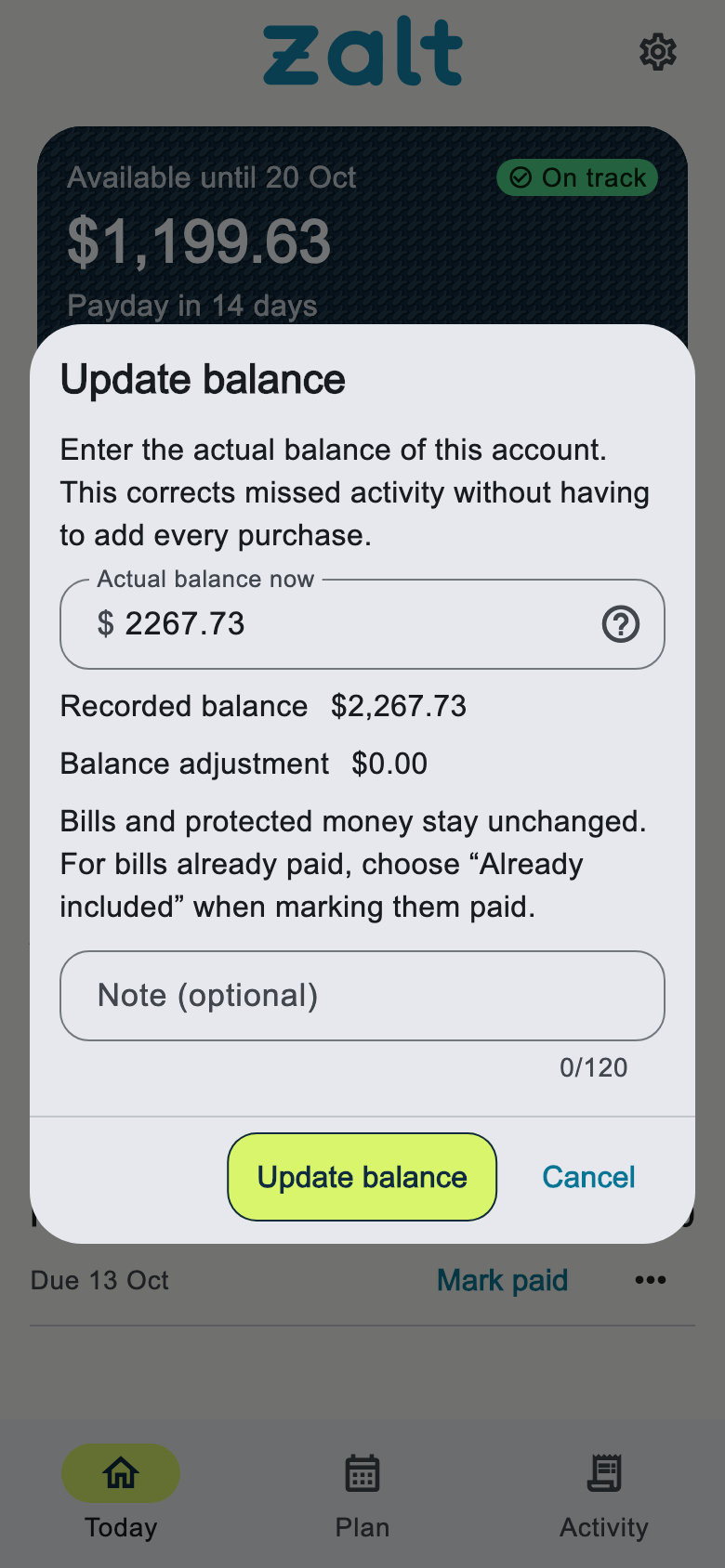
Life gets busy. You don’t need to reconstruct every purchase to pick up your plan again. Update your current balance and Zalt works from where you are now.
Your money is personal. Your plan stays that way.
No bank login and no Zalt account. Optional encrypted copies go to your chosen storage provider, manually or automatically after changes while Zalt is running. Zalt receives neither your plan nor your recovery code. Your provider controls cloud uploads and deletion. Turning backup off leaves existing copies in place. CSV exports are unencrypted files you choose to save. The Activity screen may show sponsored offers loaded from zalt.fyi; that request only says which country’s offer list to load, never your area, balances or anything else from your plan.
Privacy Policy